管理用于广告的 cookie,如广告个性化、再营销和广告效果分析。
4.3.7.4. View email headers in Gmail
To view the email headers, open the email in Gmail, click on the three dots button, and select "Show original":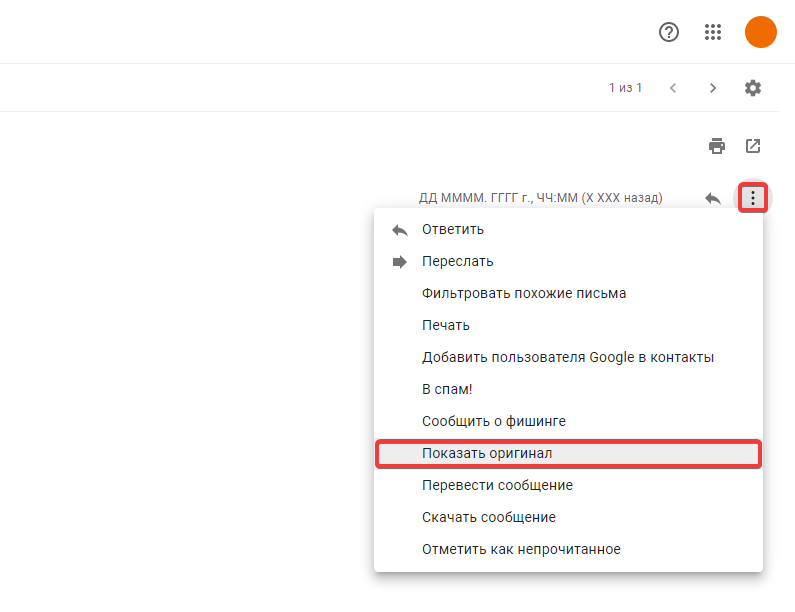
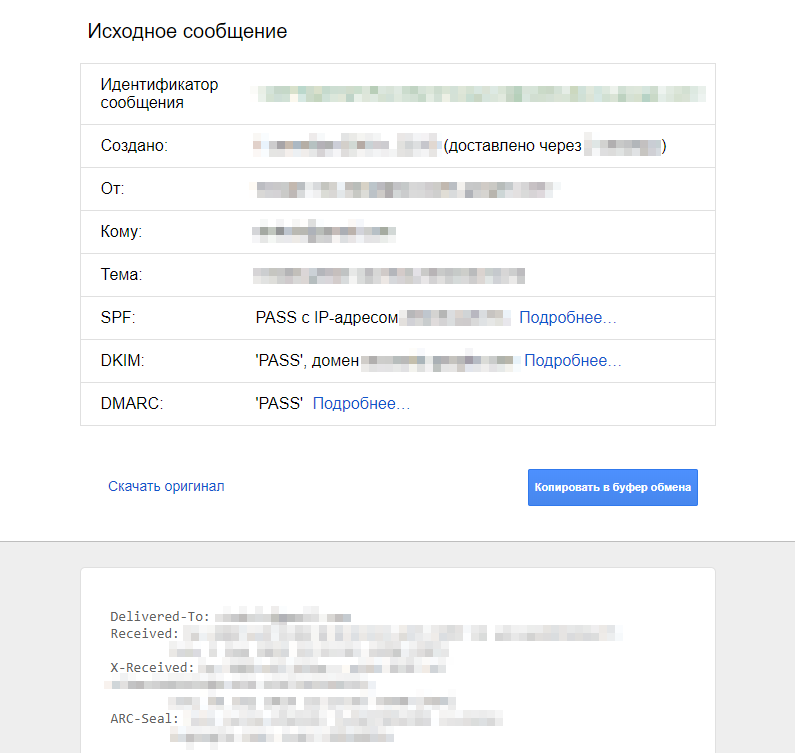
After that, a tab will open where you can view summary information and all headers, download the message in EML format, or copy it to clipboard: