管理用于广告的 cookie,如广告个性化、再营销和广告效果分析。
2.11.10. Forced termination of processes
Hanging or long-running processes can be forcibly terminated in several ways.
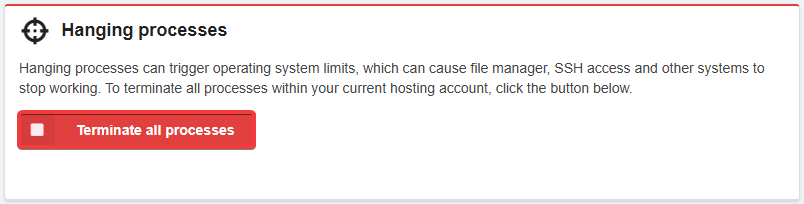
- Open the "Hosting account settings" section (or "Hosting → Hosting account settings").
- In the "Hanging processes" block, click "Terminate all processes":
- Connect to the hosting via SSH.
- Run the htop utility:
htop - Select the process you want to forceterminate (use the F3 and F4 keys to search and filter processes, and the F5 key to switch between list and tree view).
- Press F9, select
15 SIGTERMand press Enter: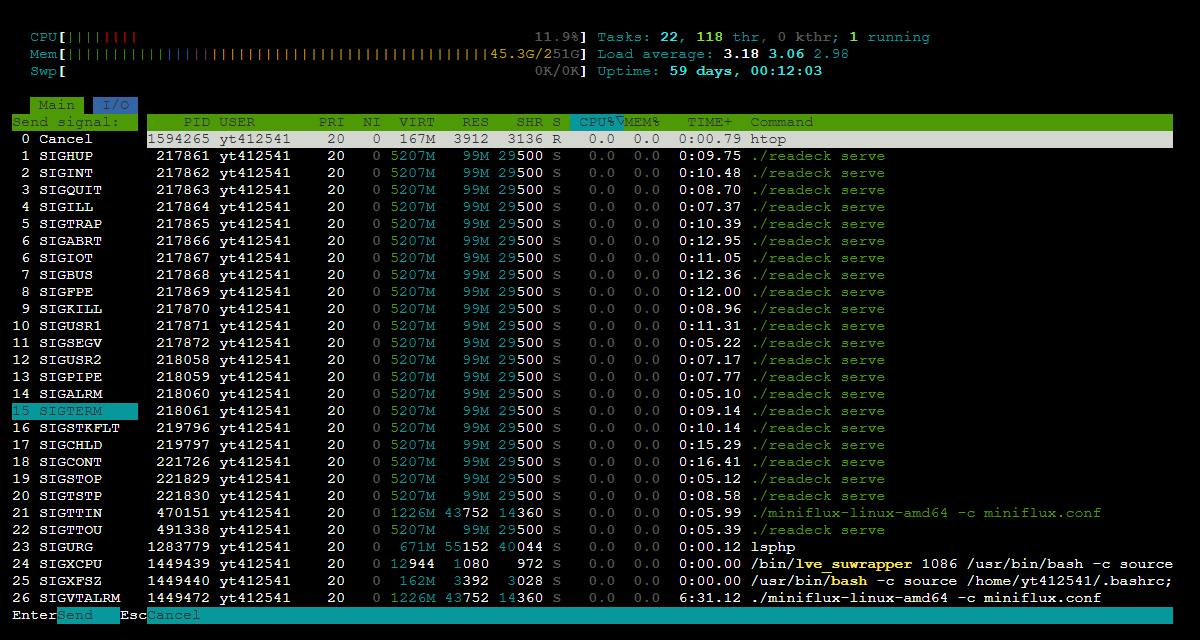
- Connect to the hosting via SSH.
- Run the necessary command:
- View the list of running processes:
ps aux - Terminate a specific process (instead of
PID, use the process ID from the output ofps aux— the number in thePIDcolumn):kill PID - Terminate all PHP processes:
kill $(pgrep -f php) - Terminate all processes (the current SSH connection will also be terminated):
pkill -9 -u $(whoami)
(9)